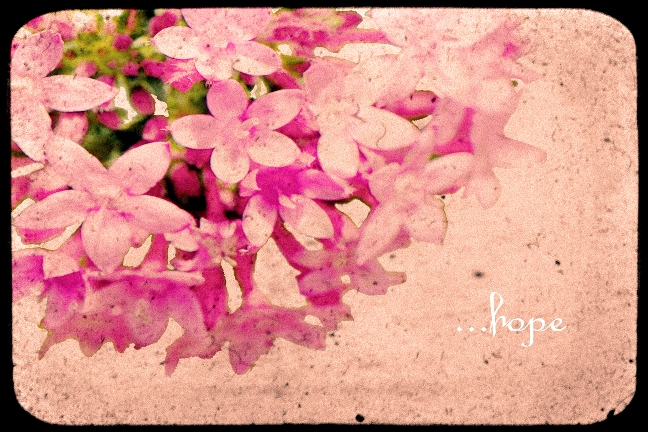
Ok, so I'm learning to work with Photoshop to take advantage of some of the awesome free textures available on Flickr. I picked some files of varying quality and genre, and sat down to learn how to do it. I had used layers before but not used textures and not with my own photos. So, here are the results. All textures are the same: "dirt ttv 1038", courtesy of the talented Nesster.
This is a photo of a tropical bird which was immortalized at the Denison Pequotsepos Nature center in Mystic, CT. I had some shadows behind the bird, which did not look quite right, plus the whitish, blank background I thought would work well with TTV. I like it, but I'd like it more with a sky ttv background.
This is another piece I shot at the nature center, of a butterfly under glass. It's supposed to look distorted and old, so the texture works really nicely here, I think. I used the "darken" feature in the layer tool to bring through the color of the butterfly a bit more, since playing with the opacity under "normal" didn't do it justice.
This is an older file taken with a 6 megapixel digital point and shoot. It's of the San Francisco skyline under fog and behind clouds. It's poor quality, so I really played around with it, giving the clouds above a colored, hdr-effect, and then applying Nesster's texture. I like using landscape with this texture because it's believable that someone see this far away scene through a dirty and smeary lens. Or maybe that's just me. I like how the detail-less, one color skyline matches the ttv frame.

I reeeally love this one, although I took it as a screen shot- from a television commercial. I was testing my Nikon d90 at the time, trying to see what kind of quality shot it would take from the tv, and playing with the automatic settings. I ended up liking it, so I kept it and used it here. I love the way the texture really matches the scene, I can imagine capturing a quiet moment like this with an old toy camera. Plus, the texture hides the screen shot's effects of electronic noise and strange color aberrations, so it comes out looking more like a normal photo. I imagine this is something my cats would do.....if I had a piano in my condo.
I hope to try more work with textures this week, they're incredibly fun, and are helping me learn some of the features of Photoshop I wasn't using before. As I improve and learn what works, I may post some of them on Etsy as well.